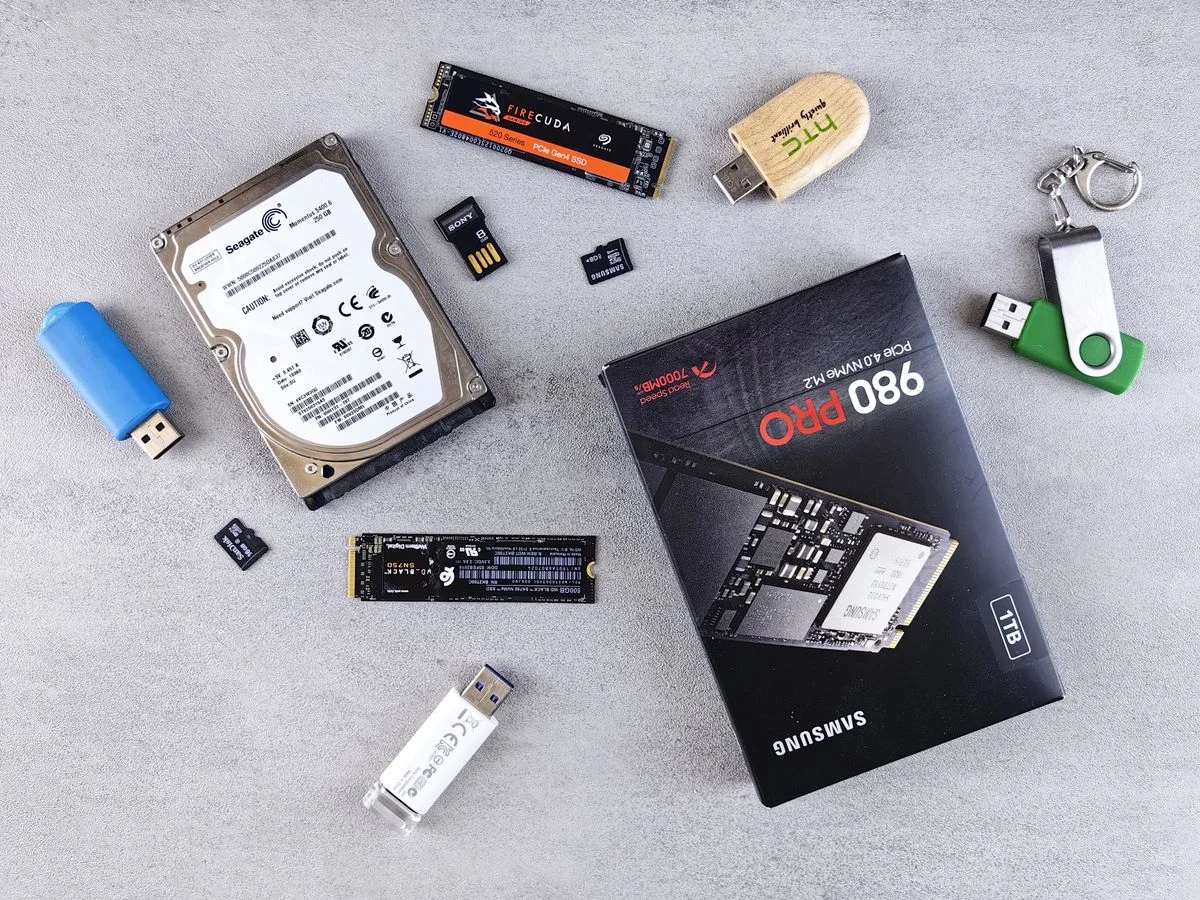
Quick answer: an SSD (solid-state drive) stores data on flash memory chips with no moving parts, while an HDD (hard disk drive) stores data on spinning magnetic platters. SSDs are much faster; HDDs are cheaper per gigabyte.
How Each Drive Works
An HDD contains one or more metal disks that spin thousands of times a minute. A tiny arm moves across the surface to read and write data, much like a record player. An SSD has no spinning parts. Data is held in memory cells, and a controller reads them electronically, which is why access is almost instant.
SSD vs HDD: Speed
Speed is the clearest difference. A computer with an SSD can start in seconds, open large programs quickly and copy files several times faster. An HDD needs time for the platters to spin and the arm to find the data, so the same tasks feel slow, especially with many small files.
Price and Capacity
HDDs still win on cost per gigabyte. If you need several terabytes for videos, backups or a media library, a hard drive is the budget choice. SSD prices have fallen a lot, and for most laptops a 500 GB or 1 TB SSD is now an affordable standard.
Durability and Noise
- Shock resistance: SSDs survive drops and vibration better because nothing is moving inside.
- Noise: SSDs are silent; HDDs can hum, click or whir.
- Power use: SSDs draw less power, which helps laptop battery life.
- Heat: SSDs usually run cooler.
Lifespan
Both types wear out. Flash cells in an SSD handle a limited number of writes, but modern drives are rated for years of normal use, far beyond what most people write. HDDs fail mostly because of mechanical wear. In either case, regular backups matter more than the drive type.
Which Should You Choose?
| Need | Better choice |
|---|---|
| Fast boot and quick apps | SSD |
| Laptop used on the move | SSD |
| Gaming and video editing | SSD |
| Cheap bulk storage or archives | HDD |
| Home server or backup disk | HDD |
The Best of Both
Many desktop users combine the two: a smaller SSD for the operating system and programs, and a large HDD for photos, videos and old files. If you are upgrading an old computer, swapping the HDD for an SSD is often the single most noticeable improvement you can make.
Final Thoughts
If your budget allows, pick an SSD for the main drive of any computer. Keep an HDD only when you need a lot of cheap space. Whatever you choose, keep a backup of important files.